Inbound workflow best practices
Overview
The goal of an optimized inbound workflow is to get prospects from form submission to viewing a scheduler as quickly as possible. This Speed to Lead approach ensures prospects can book meetings immediately while their intent is highest.
This guide categorizes workflow actions based on their impact on load time, helping you build workflows that maintain optimal performance.
Key Principle
Actions that write to external systems, send notifications, or introduce delays should occur after the prospect has been shown scheduling options.
Only perform quick, non-blocking operations before displaying the scheduler.
Action Categories
Safety Level | Reason |
|---|---|
🟩 SAFE | Fast, lightweight actions safe to use before the scheduler |
🟨 CAUTION | May introduce variable delays; test thoroughly before use |
🟥 AVOID | Place these actions after the scheduler to prevent delays |
✓ Safe to Use Before Scheduler
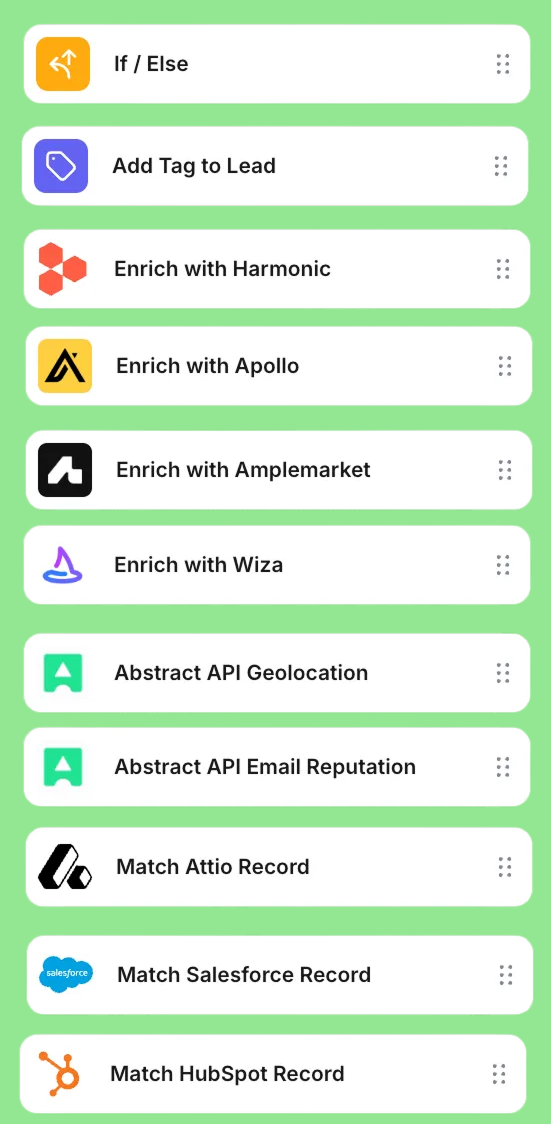
These actions are fast and non-blocking. They complete quickly and do not delay the prospect from reaching the scheduler.
Actions | Notes |
|---|---|
If / Else | Conditional branching based on attributes |
Add Tag to Lead | Quick tagging for segmentation |
Enrich with Apollo | Fast data enrichment API call |
Enrich with Wiza | Fast data enrichment API call |
Enrich with Amplemarket | Fast data enrichment API call |
Enrich with Harmonic | Fast data enrichment API call |
Abstract API Geolocation | IP-based location lookup |
Abstract API Email Reputation | Email validation check |
Match Salesforce Record | CRM record lookup (read-only) |
Match HubSpot Record | CRM record lookup (read-only) |
Match Attio Record | CRM record lookup (read-only) |
⚠ Use with Caution
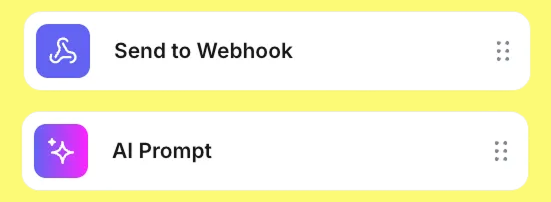
These actions may introduce variable delays depending on external factors. Test performance thoroughly before deploying in production workflows.
Actions | Notes |
|---|---|
Send to Webhook | External API calls may introduce latency depending on endpoint response time |
AI Prompt | AI processing can add variable delays; test thoroughly before production use |
✗ Avoid Before Scheduler
These actions should be placed after the scheduler in your workflow. They involve write operations, notifications, or intentional delays that will slow down the prospect experience.
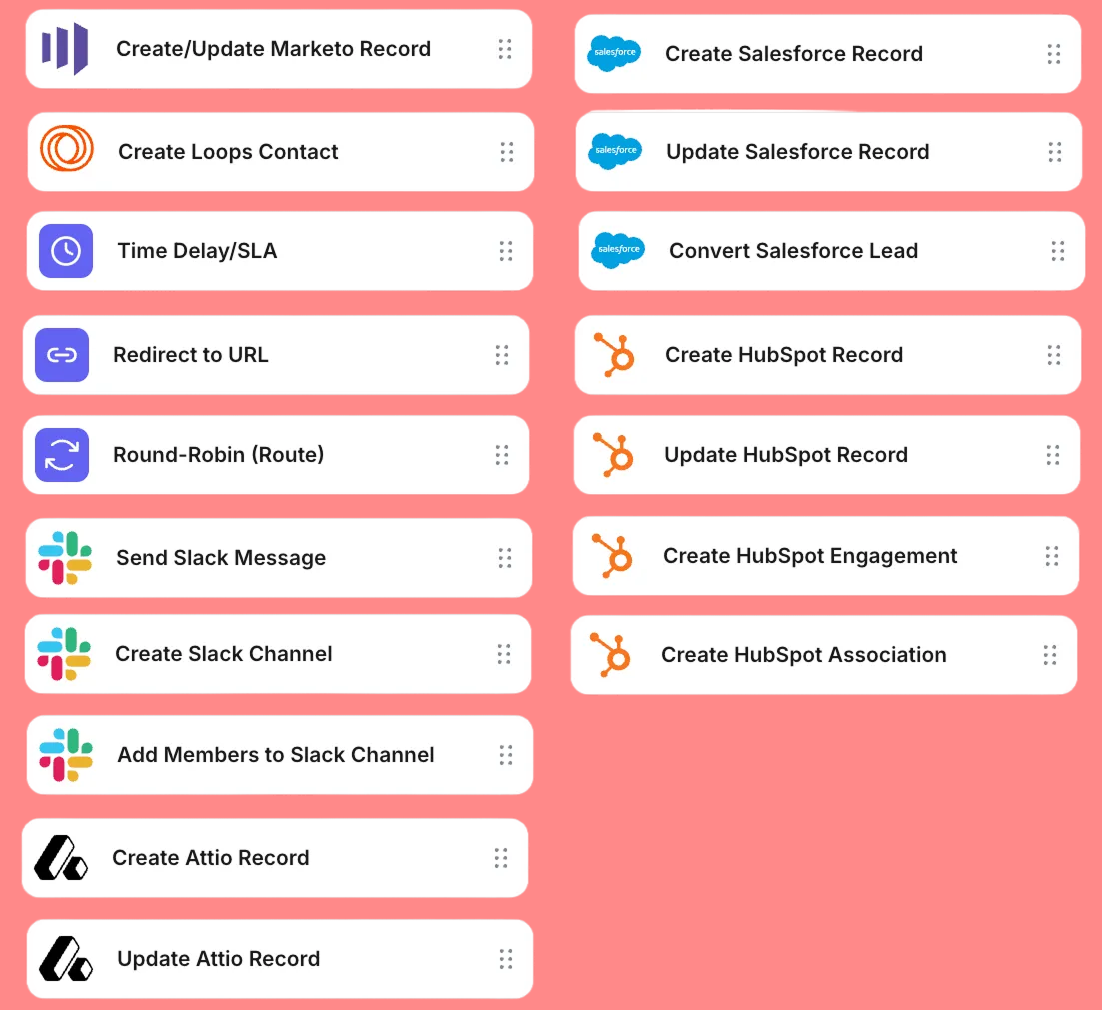
Actions | Notes |
|---|---|
Create/Update Marketo Record | CRM write operations |
Create Loops Contact | External system creation |
Time Delay/SLA | Intentional delays |
Redirect to URL | Use only as final step |
Round-Robin (Route) | Place on [Meeting not booked] path |
Send Slack Message | Notification actions |
Create Slack Channel | Channel creation overhead |
Add Members to Slack Channel | Multiple API calls |
Create Attio Record | CRM write operations |
Update Attio Record | CRM write operations |
Create Salesforce Record | CRM write operations |
Update Salesforce Record | CRM write operations |
Convert Salesforce Lead | Complex CRM operation |
Create HubSpot Record | CRM write operations |
Update HubSpot Record | CRM write operations |
Create HubSpot Engagement | CRM write operations |
Create HubSpot Association | CRM write operations |
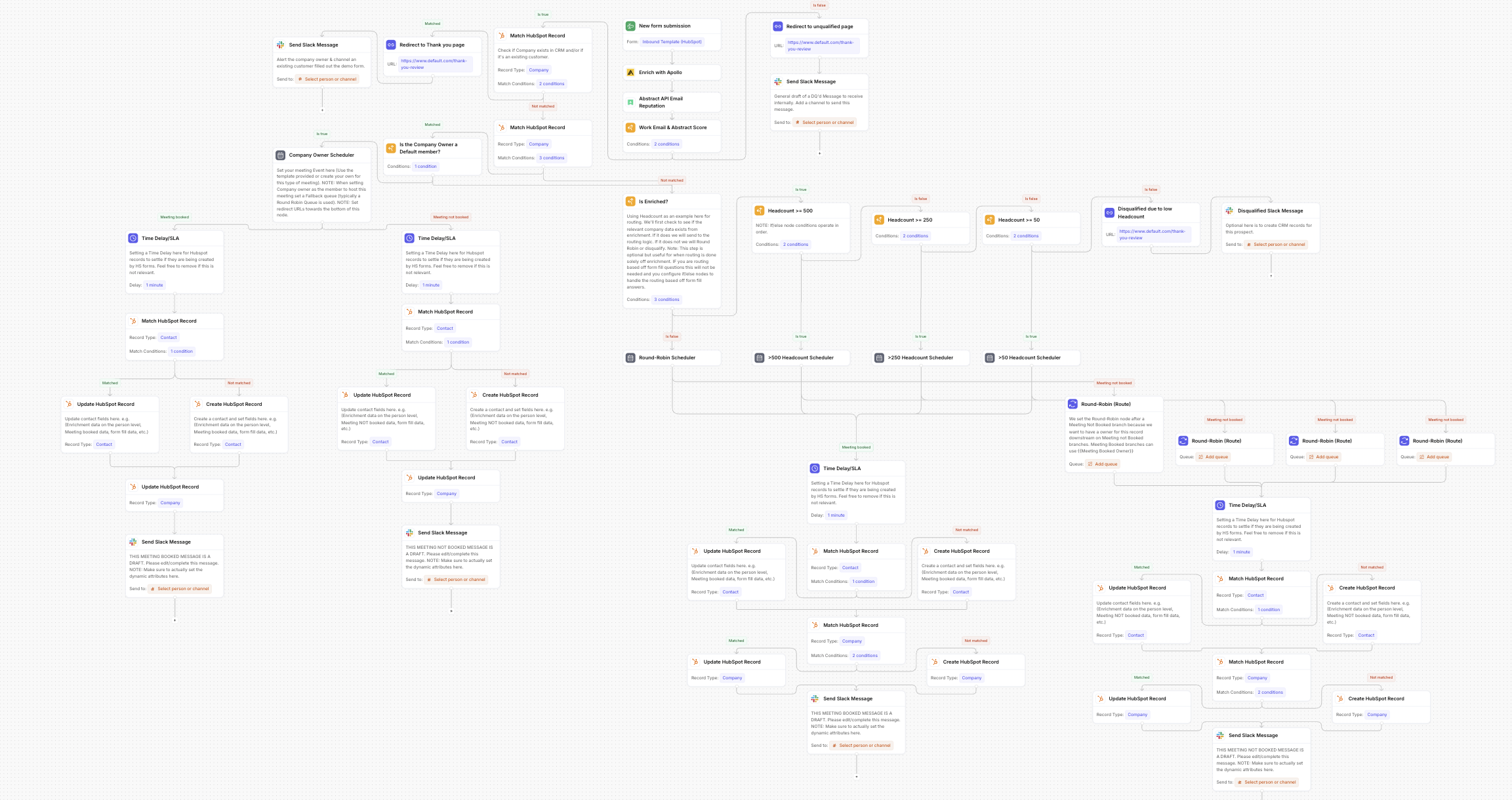
Workflow example:
In depth guide of this workflow releasing soon!